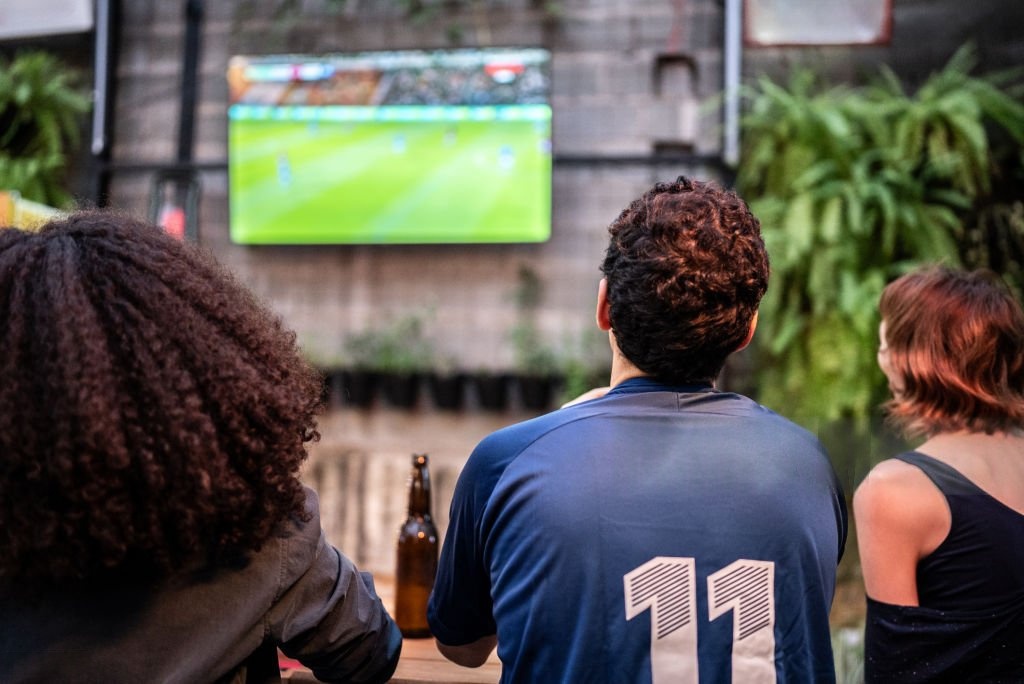
Sports fans are cutting the cord at record rates in 2026 — and IPTV is the primary reason why. With a quality IPTV subscription, you can watch virtually every major sporting event on the planet without paying for bloated cable packages or juggling five different streaming apps.
But not all IPTV services handle live sports equally. Sports streams demand more from infrastructure than pre-recorded content — any server strain shows up immediately as buffering, freezing, or dropped streams. This guide will show you how to set up the ideal IPTV sports experience.
What Sports Can You Watch on IPTV?
A comprehensive IPTV service covers virtually every major sport and league worldwide:
American Sports
- NFL — all regular season, playoff, and Super Bowl games including NFL RedZone
- NBA — full season coverage including playoffs and Finals
- MLB — regular season and postseason on ESPN, FS1, TBS, and regional sports networks
- NHL — all games including Stanley Cup Playoffs
- College sports — NCAA football, basketball, and more on ESPN family channels
International Sports
- Soccer/Football — Premier League, La Liga, Serie A, Bundesliga, Champions League, MLS
- Formula 1 — all Grand Prix races live
- Tennis — Grand Slams, ATP, WTA tour events
- Golf — PGA Tour, The Masters, The Open Championship
- Cricket — international Test matches, IPL, The Ashes
- Rugby — Six Nations, Rugby World Cup, Premiership Rugby
2026 is a massive year for sports: the FIFA World Cup takes place in North America (USA, Canada, Mexico), making IPTV the most accessible and affordable way to follow every match live.
Choosing the Right IPTV Provider for Sports
Not every IPTV service that claims sports coverage delivers consistent quality during live events. Here's what to specifically evaluate:
Server Load During Peak Events
The Super Bowl, Champions League Final, and World Cup attract millions of simultaneous viewers. An IPTV provider's true quality reveals itself during these moments. Ask specifically whether the service has dedicated sports infrastructure or whether all streams share the same servers.
Sports Channel Depth
Beyond the main channels (ESPN, Sky Sports, beIN Sports), look for:
- Regional sports networks (RSNs) for local team coverage
- DAZN, Peacock, Paramount+ sports channels
- International sports networks for global coverage
- Sports-specific packages (NFL Network, NBA TV, Golf Channel)
Catch-Up and Replay Features
A quality IPTV service doesn't just stream live — it offers match replays and catch-up TV so you can watch games you missed. This is especially valuable for international fixtures played in different time zones.
Stream every sport with MonIPTV
50,000+ channels including all major sports networks — free trial available
View Sports PlansThe Best Setup for Live Sports Streaming
Your hardware matters as much as your IPTV service. Here are the optimal setups for sports viewing:
Best Devices for IPTV Sports
- Amazon Fire Stick 4K Max — best value, easy app sideloading, excellent performance
- NVIDIA Shield TV Pro — most powerful Android TV device, best for 4K HDR
- Smart TV with Android TV — direct app installation, no extra device needed
- Formuler Z10 Pro Max — dedicated IPTV box with built-in MyTVOnline player
Best IPTV Apps for Sports
For the best sports experience, use an app that supports Picture-in-Picture (PiP) mode so you can monitor multiple games:
- TiviMate — best EPG (Electronic Program Guide) integration, premium UI
- IPTV Smarters Pro — free, works on all platforms, solid sports viewing
- GSE Smart IPTV — excellent multi-screen support
Internet Speed Requirements for Sports Streaming
Live sports require consistent bandwidth. Unlike VOD content which can buffer ahead, live streams have no buffer window — any congestion appears immediately.
- HD sports (720p/1080p): 10–15 Mbps per stream
- 4K sports: 25–50 Mbps per stream
- Multiple simultaneous streams: multiply accordingly
Critical recommendation: use a wired ethernet connection during important games whenever possible. Wi-Fi introduces variable latency and can drop packets during busy periods — exactly when you don't want it to happen.
Avoiding Buffering During Live Games
Nothing ruins a sports moment like a buffering wheel. Here's how to minimize the risk:
- Close background apps on your streaming device before the game starts
- Use ethernet over Wi-Fi whenever possible
- Restart your router before major events to clear its memory
- Choose lower resolution streams if your connection is borderline — a smooth 720p beats a buffering 4K signal
- Test your stream 15 minutes early — don't wait for kickoff to discover a problem
- Contact support if you experience consistent issues — a good provider will switch you to an alternative server
If you consistently experience buffering despite a fast connection, the issue is almost certainly with the IPTV provider's servers. This is why choosing a provider with proven sports infrastructure (not just a long channel list) is critical. For more tips, see our guide on how to watch IPTV without buffering.
FAQ — Live Sports on IPTV
Yes. Quality IPTV services include NFL coverage via ESPN, NFL Network, CBS, NBC, Fox, and Amazon Prime Video sports channels. You can watch all regular season games, playoffs, and the Super Bowl.
Unlike official streaming services, most IPTV services do not enforce the same geographic blackout restrictions. This means you can typically watch games that would be blacked out through official channels — though this varies by provider and the specific event.
Yes. The 2026 FIFA World Cup will be broadcast across Fox, FS1, Telemundo, and international channels — all accessible through a comprehensive IPTV subscription. A quality service will carry all 104 matches live.
For stable 4K sports streaming, you need at least 25–50 Mbps dedicated to the stream. A wired ethernet connection is strongly recommended over Wi-Fi for live sports to avoid packet loss during fast-paced action.